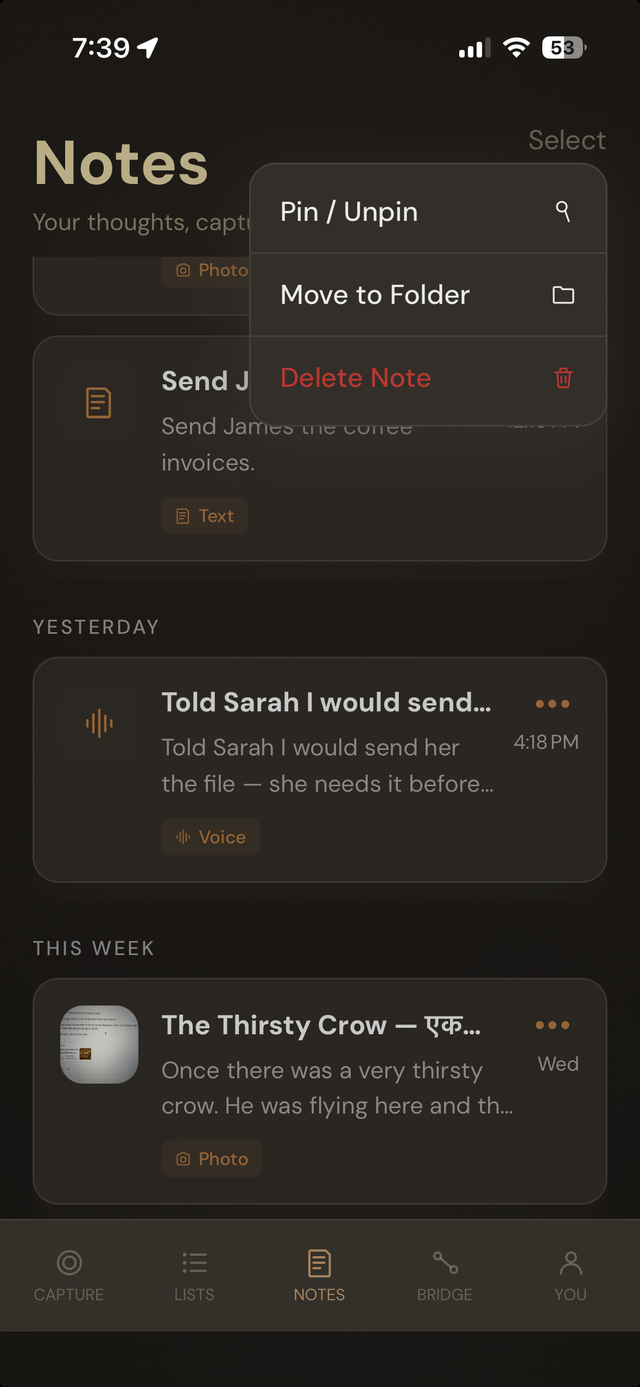
Organized automatically
Grouped by day. Tagged by type.
Notes are grouped into Today, Yesterday, and This Week without any setup, and every note carries a tag for what it actually is — Voice, Text, or Photo — so you can tell what's there before opening it.
- Grouped by day automatically — no folders to set up yourself.
- Every note is tagged by capture type the moment it's created.
- Works in whatever language you captured in — Toru Smart understands every language your iPhone supports.
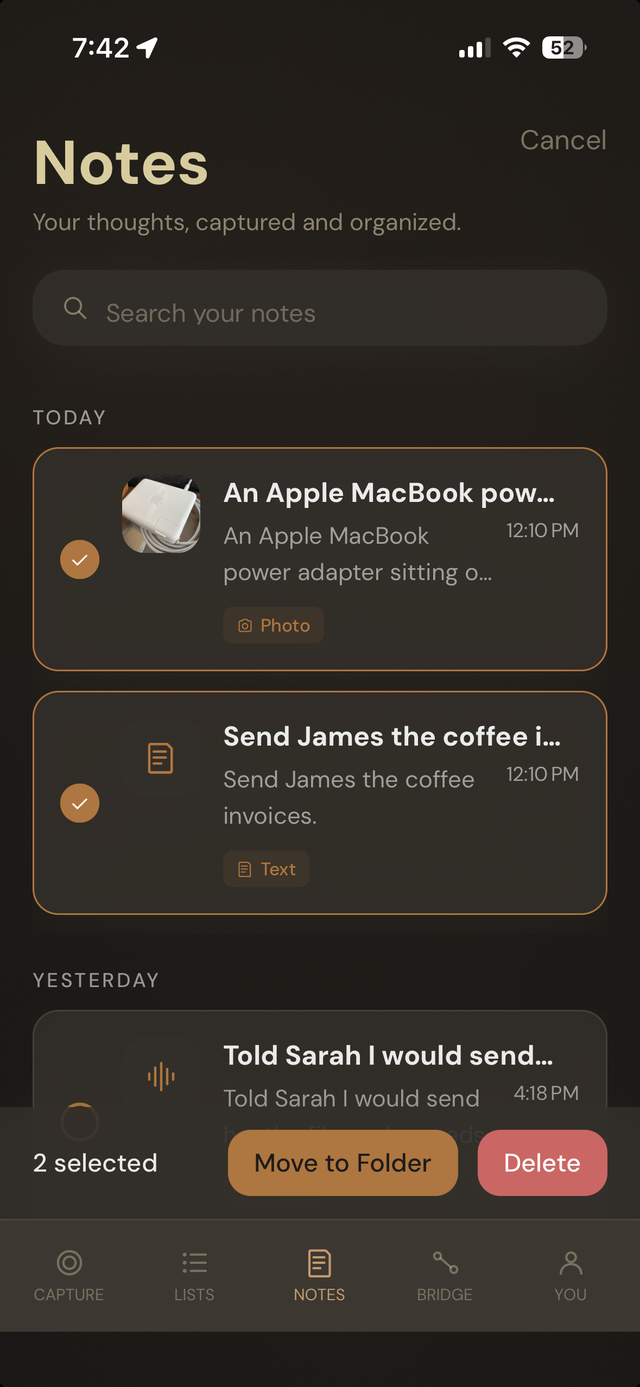
Search and select
Find it. Or clean up several at once.
A search bar sits right in the Notes header — type a word or phrase and it searches across everything you've ever captured. Need to tidy up instead? Select multiple notes to move them into a folder or delete them together.
- Search across every note you've ever captured, right from the Notes header.
- Multi-select for bulk move-to-folder or delete.
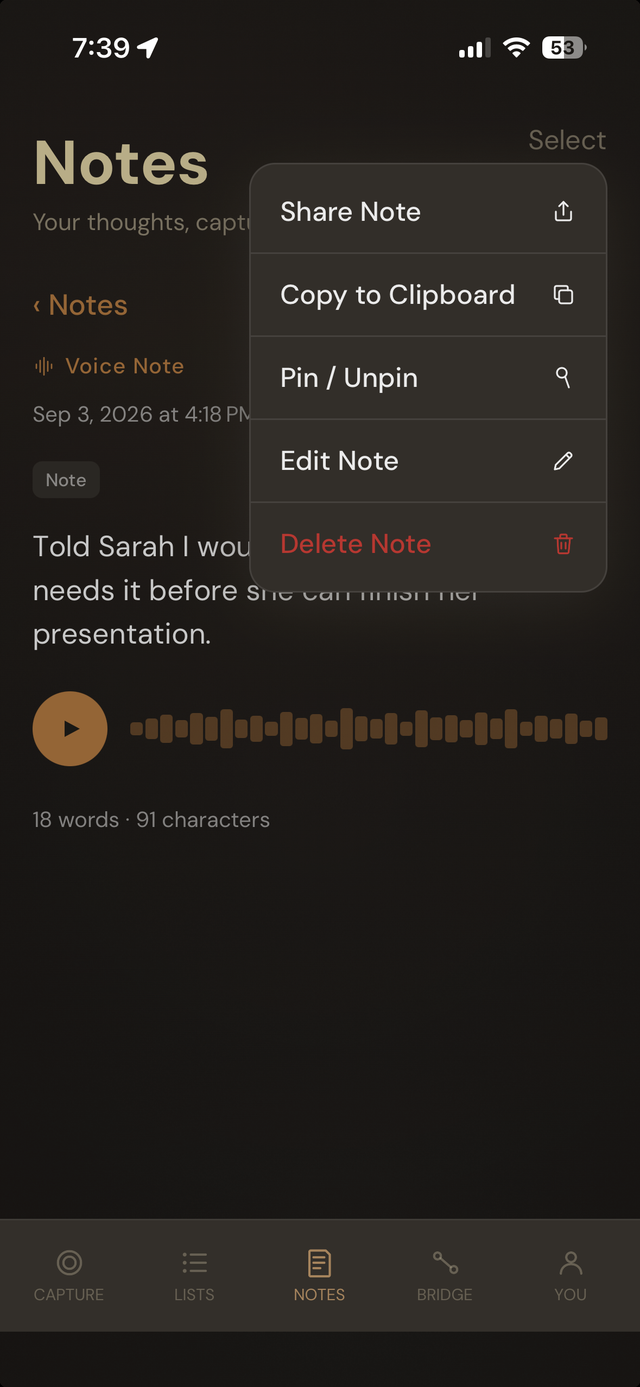
Every note, on its own
Play it back. Edit it. Share it.
Open any note and you get the full structured text, plus real actions: share it, copy it, pin it, edit it, or delete it. Voice notes with recording playback enabled show a real waveform and play button, so you can hear your exact words, not just read the summary.
- Share Note, Copy to Clipboard, Pin/Unpin, Edit, and Delete — on any note.
- Voice playback with waveform, word count, and character count — Toru Smart.